


Latex 사용법(레이텍, 라텍 사용법)
16 Dec 2020 | LaTeX Tutorial이 글에서는 논문을 쓸 때 사용하는 Latex(보통 라텍 또는 레이텍이라 부름)의 사용법을 다룬다.
Latex를 사용해야 한다면, 무료이며 여러 명이 웹상에서 동시 편집이 가능한 Overleaf를 추천한다.
Overleaf
회원가입을 하고 프로젝트 창으로 접속하면 새로운 프로젝트(New Project)를 만들 수 있다.
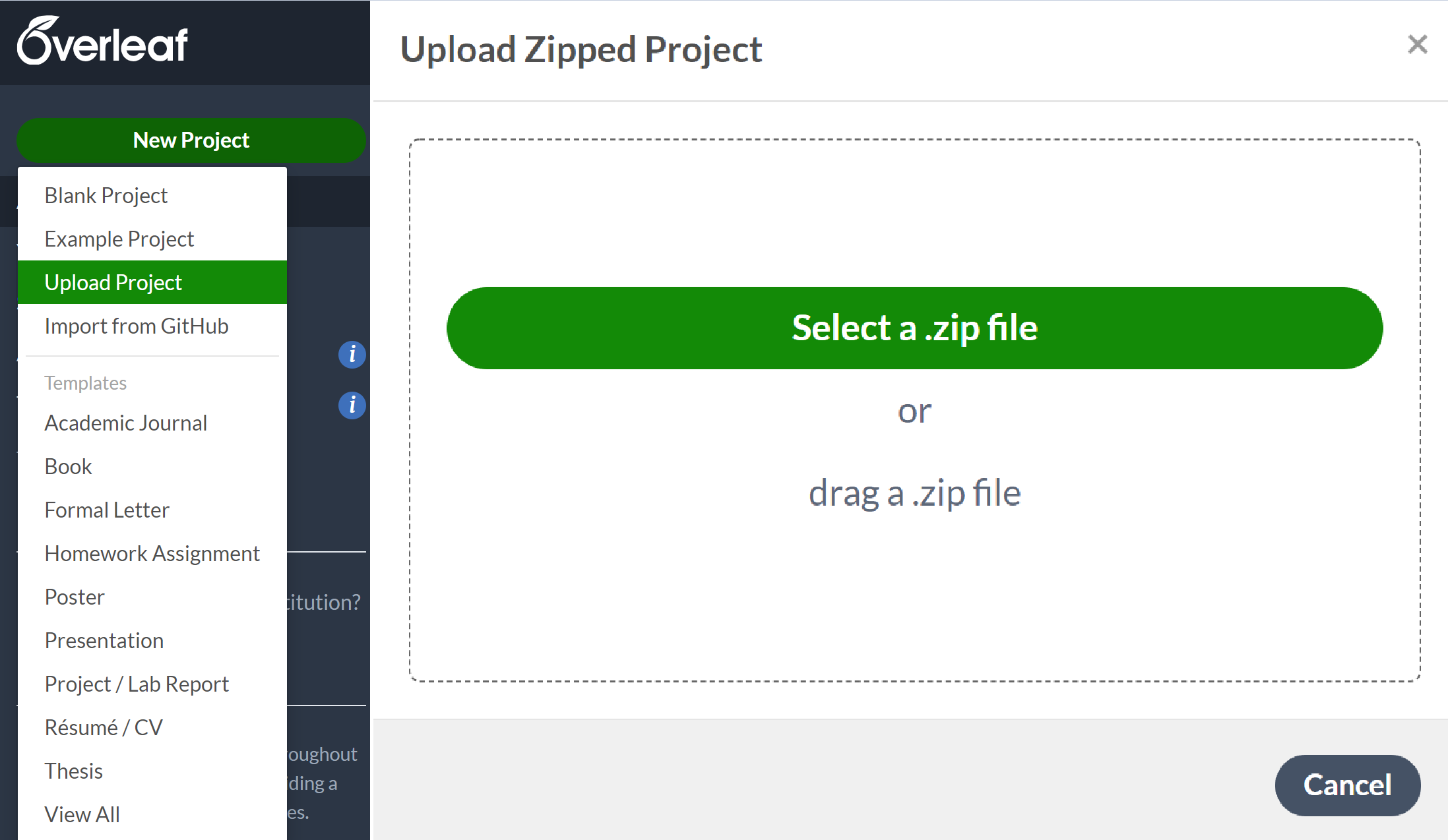
논문을 쓰고자 한다면 보통 학회 홈페이지에서 template을 .zip 파일의 형태로 다운받을 수 있다. 이 .zip 파일을 (압축 해제하지 않고) 그대로 업로드하면 바로 편집이 가능한 형태가 된다.
이 글에서는 Overleaf의 상세한 설명보다는 Latex에서 글이나 수식, 문단, 이미지 등을 어떻게 입력하는지를 알아본다. 물론 더 고급 기능과 세부 설정까지 정리하였다.
제목 및 소제목
\section{서 론}
이미지
\begin{figure}[!ht]
\centering
\includegraphics[width=0.4\textwidth]{img/vqa.png}
\caption{An example of a simple question}
\label{fig:vqa}
\end{figure}
\index{figure}
List
Bullet
\begin{itemize}
  \item Q: 누가 안경을 쓰고 있는가?
    \item A1: 남자
    \item A2: 여자
\end{itemize}
Ordered List
\begin{enumerate}
  \item The labels consists of sequential numbers.
  \item The numbers starts at 1 with every call to the enumerate environment.
\end{enumerate}
Table
https://ko.overleaf.com/learn/latex/Tables https://bskyvision.com/823
한 줄 전체
\begin{table*}[t]
  \centering
  \begin{tabular}{lcr}
    1 & 2 & 3 \\
    4 & 5 & 6 \\
    7 & 8 & 9
  \end{tabular}
  \caption{Blabla}
  \label{tab:1}
\end{table*}
equation
수식 정렬
\documentclass{article}
\usepackage{amsmath}

\begin{document}

\begin{equation}
  \begin{aligned}
    A & = B + C\\
      & = D + E + F\\
      & = G
  \end{aligned}
\end{equation}

\end{document}
\begin{multline}
    first part of the equation \\
    = second part of the equation
\end{multline}
\begin{equation}
    \begin{split}
        first part &= second part #1 \\
        &= second part #2
    \end{split}
\end{equation}